The search for a massive planet, from 2 – 10 Earth masses, has never stopped. The discovery of Sedna and later of Eris by Michael Brown and his team, not only would prompt the redefinition of what a planet is, but it would also be a key factor in the search for Planet X.
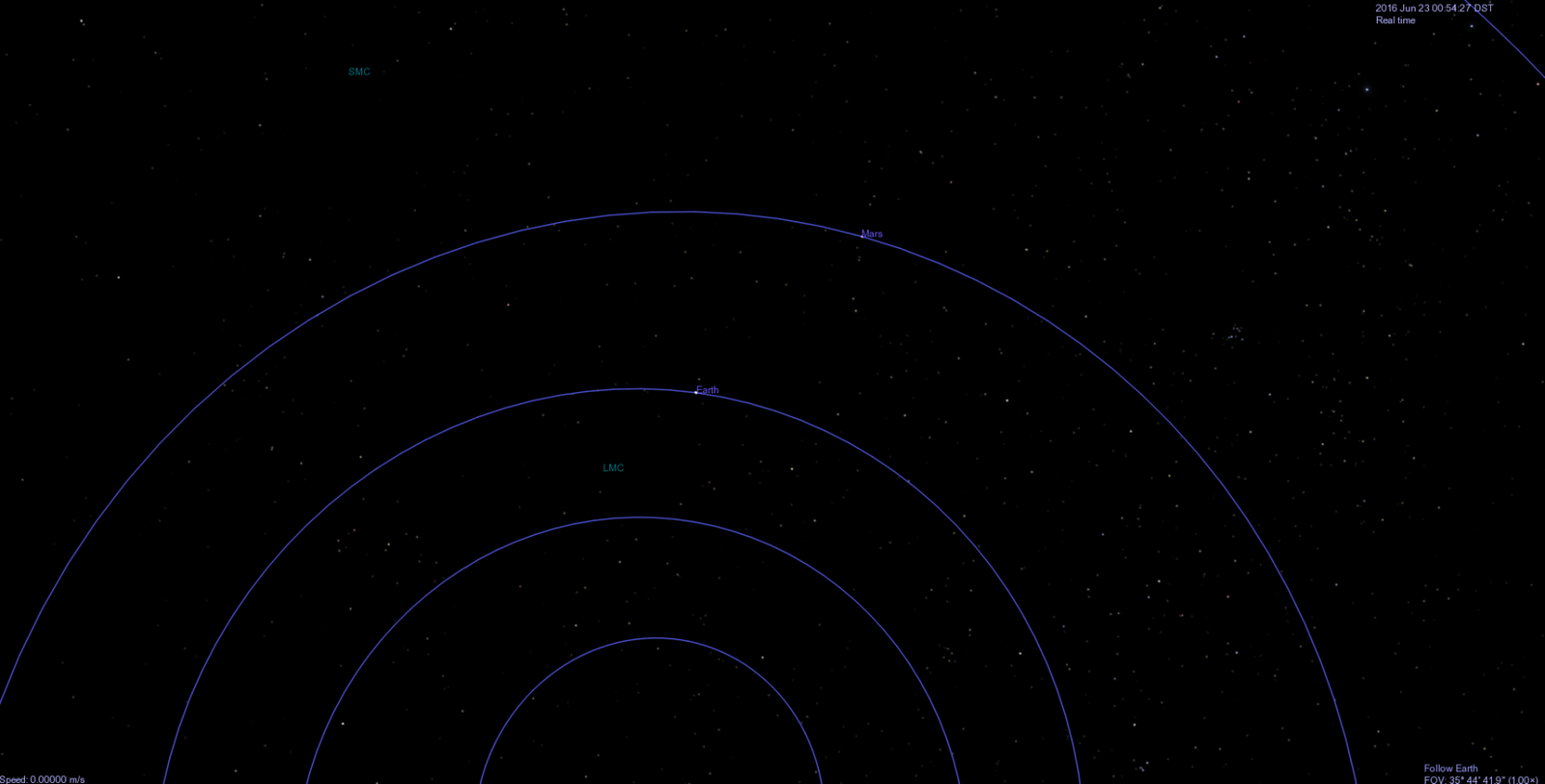
The discovery of 2012 VP113 in early 2014 by Scott Sheppard and Chad Trujillo supports and extends the current theories that propose the presence of another planet in the outer Solar System. 2012 VP113 [nicknamed Biden] lies at 80 Astronomical Units perihelion and 445 Astronomical Units aphelion.
Rediscovered Astronomy releases animations of the planets in our solar system.
Well, we are meeting our goal of releasing the animations of the planets in our solar system three months ahead of schedule.
The animations of the main 8 planets have been uploaded. We will upload animations of smaller bodies and dwarf planets later. The animations were created in collaboration with J.J. Del Mar.
For use and license please see each planet page. You can visit the animations main page here:
Celestia is a free open-platform astronomy program. We have been receiving questions about how to add extra planets (models) to Celestia. We listen to what our website visitors ask us, so here’s a detailed tutorial of how to add planets, comets, asteroids, etc., to Celestia. The following tutorial works for objects in our own Solar System. [The guide for adding objects to other star systems is similar and we will post it later at our visitors’ request.]
Note: For everything you do on the PC or device, you need to have administrator rights; it needs to be your own computer or you need to have permission from the computer owner to make changes to the PC. This guide is written for computers running Windows, but the process is almost the same for Apple computers.
Software – ProgramsYou Need
Software that needs to be installed on your PC or laptop:
Celestia (free astronomy program, click to downloadfrom Celestia’s website)
Microsoft Word [or any other word processor that opens .docx files]
WordPad [or any other program to open Rich Text Format (.rtf) texts]
Tutorial
Step 1
This is tutorial for Windows, but you can try it on your Mac or Linux.
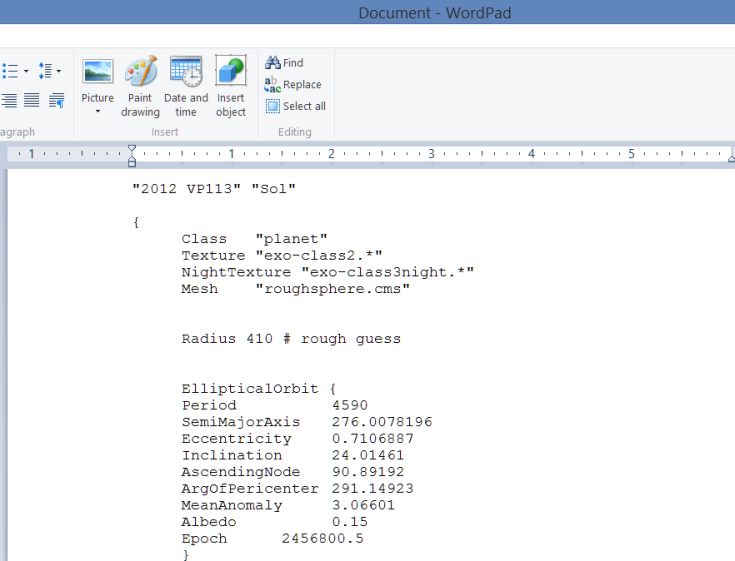
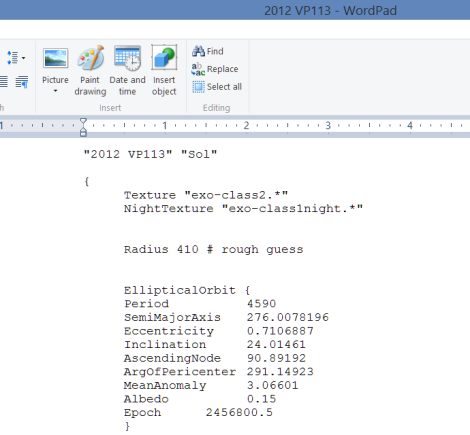
Download and open the file containing the code.
Here is the link to the document, it is a link to GoogleDrive.
Code by Rediscovered Astronomy with information from the Minor Planet Center
You must paste the code directly to WordPad or to the program you use to open Rich Text Format (.rtf) texts.
Step 2
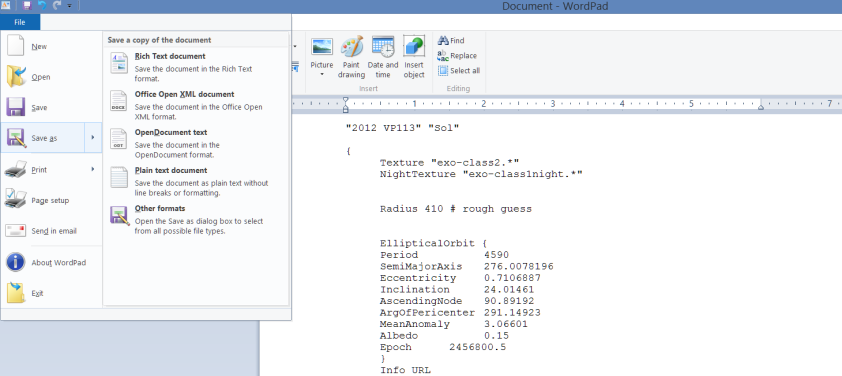
Click File Save As on WordPad.
Step 3
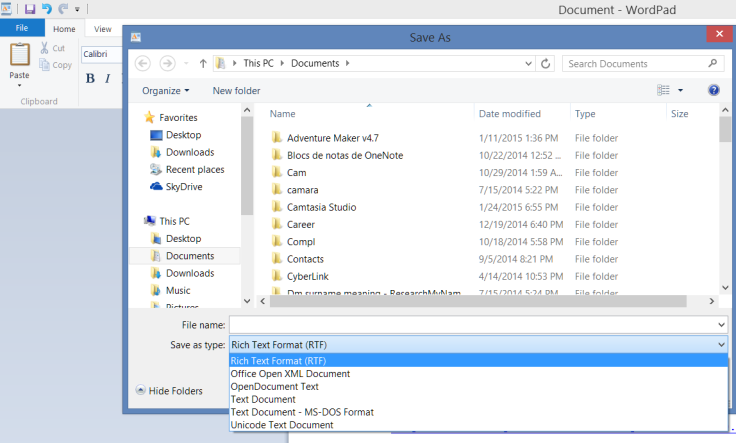
Save as type: Make sure you choose Rich Text Format (RTF) from the drop down menu.
Step 4
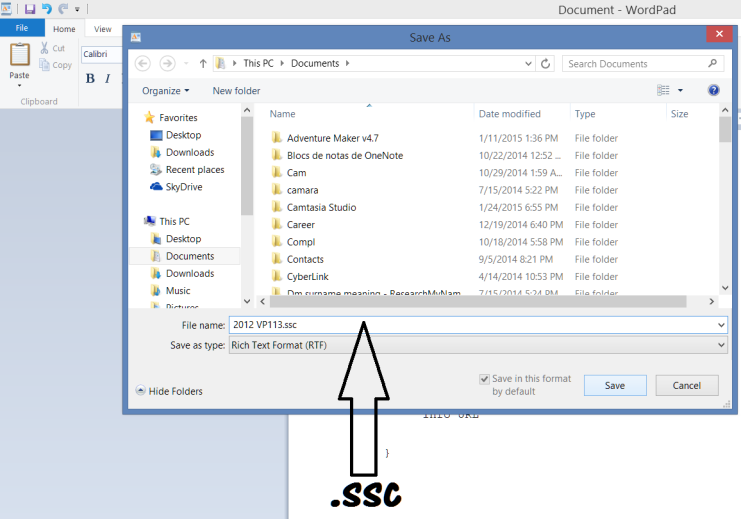
File name: Save the file with the name 2012 VP113.ssc – The file extension again must be .ssc, otherwise Celestia won’t load the add-on planet / object.
Step 5
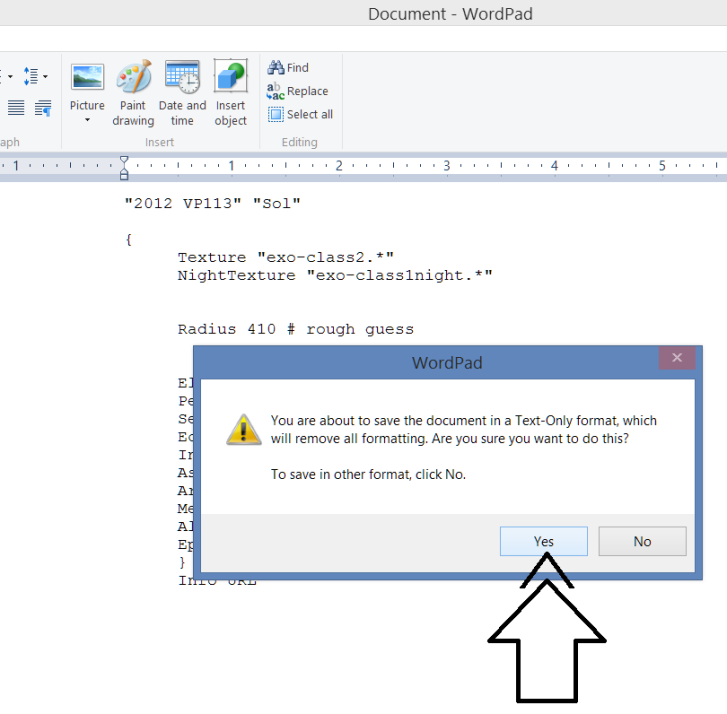
Text-Only format: You may get the message … remove all formatting … click yes.
Step 6
Celestia File: Your Celestia model / file should be ready to add to Celestia. Exit WordPad [click file exit].
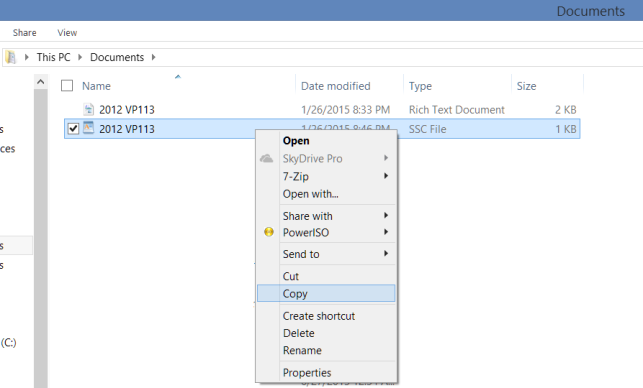
Go to your file explorer and find the folder where you saved your file [2012 VP113.ssc from step 4]. Right click copy.
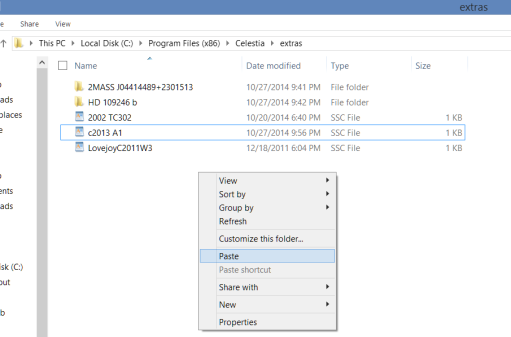
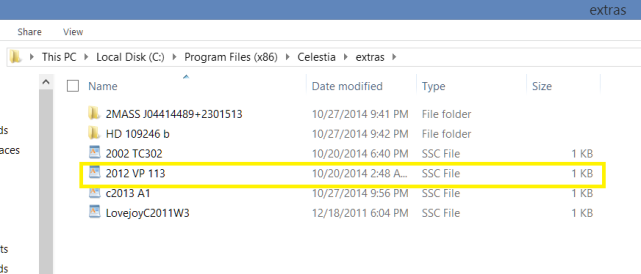
Find your Celestia – Extras folder. Here is where all Celestia add-ons should be pasted. Celestia is usually located within the Program Files (x86) folder [or Program Files]. This is the default path, C:\Program Files (x86)\Celestia\extras
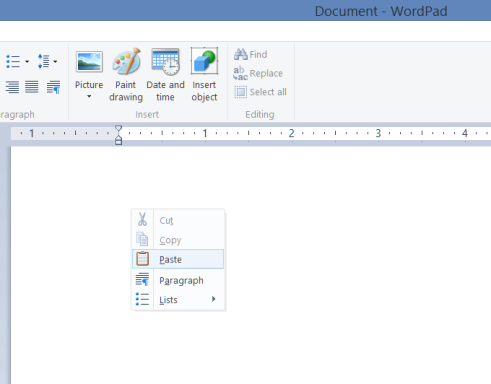
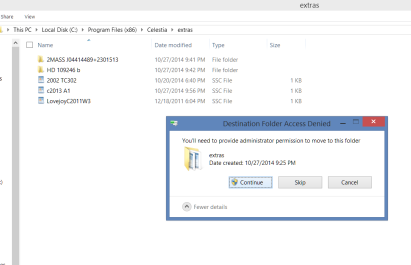
Right click and paste the file named 2012 VP113.ssc to the extras folder.
As noted before, make sure you are using the PC / laptop as administrator. Click continue.
Look that your file was copied correctly to the extras folder and with the .ssc extension [type].
That’s it!
Celestia will load the add-on you’ve just created the next time you run the program.
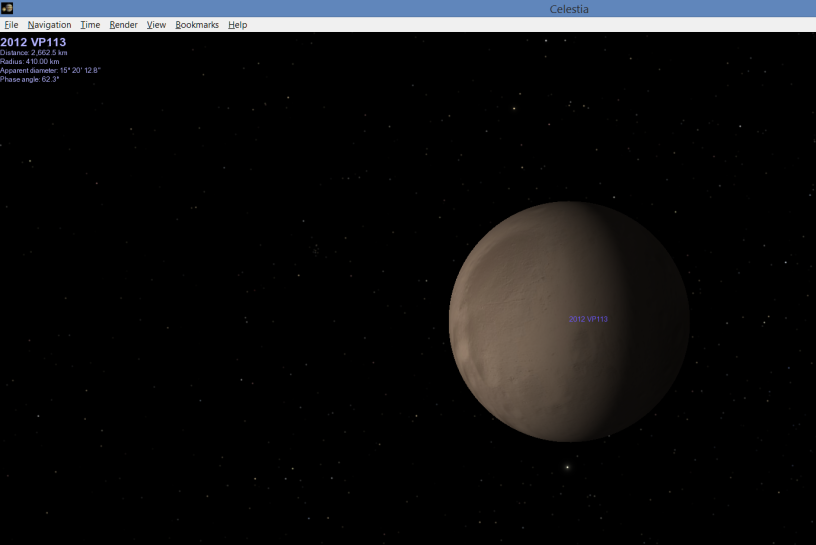
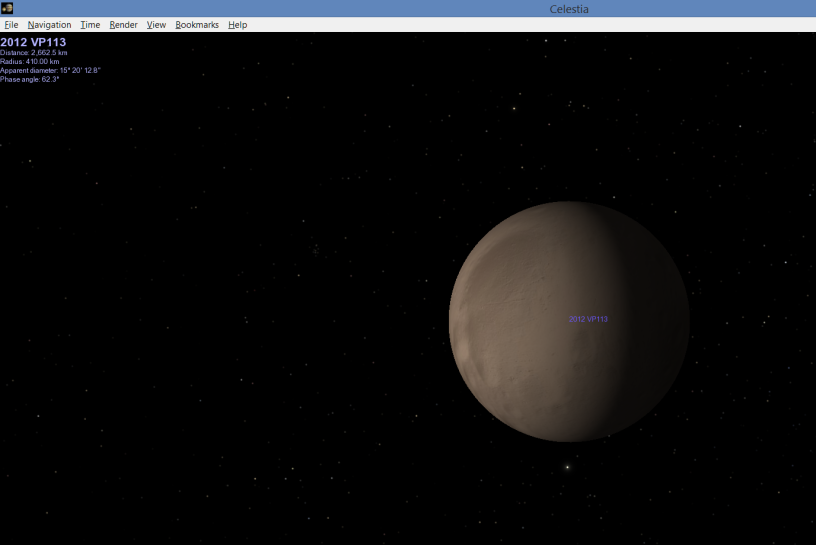
Here’s how it should look.
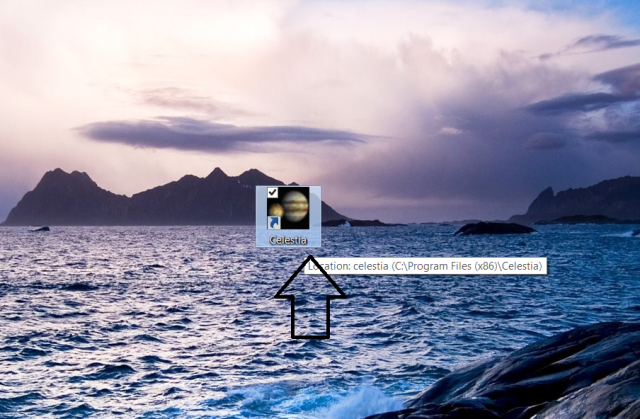
Open Celestia
Wait for Celestia to load then hit enter on your keyboard.
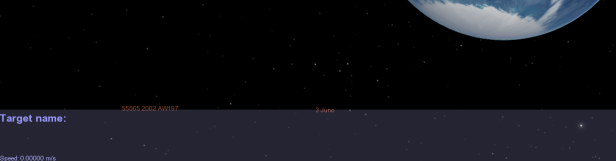
The dialogue box Target name opens,
Type in the name of the object 2012 VP113 and hit enter again.
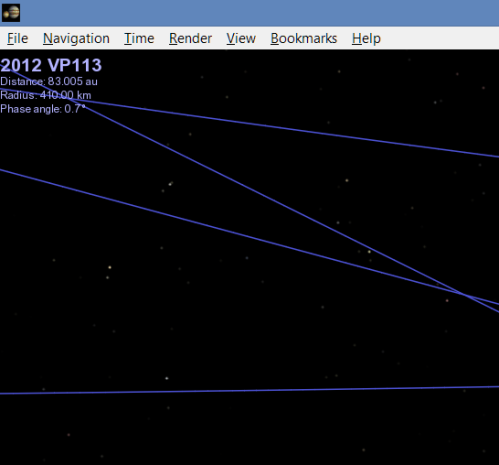
The top left screen of Celestia should display the model name 2012 VP113.
Press G on your keyboard for Celestia to go to your destination, 2012 VP113.
You should be there!
Written by J.J. Del Mar
Celestiais a free open-platform astronomy program.
Our sun [Sol] has released three X-type-solar flares from an active sunspot. The solar flares were X1, X2, and the most recent one of magnitude X3.2, the biggest so far in the year. It is expected that the sun rotates to face this active sunspot towards Earth. Researchers have estimated that a direct hit of a major X-type solar flare on Earth could cripple unprotected electric grids, telecommunication satellites, and electronics.
It’s been over 150 years since a major X-type solar flare hit the Earth directly.