Everyone seems obsessed with Mars and how to get us there these days. How would the Red Planet look if it had clouds? Well, recently the Hubble Space Telescope team released a photograph of Mars with clouds. The image showed Mars in a more Earthly fashion than we have seen it before.
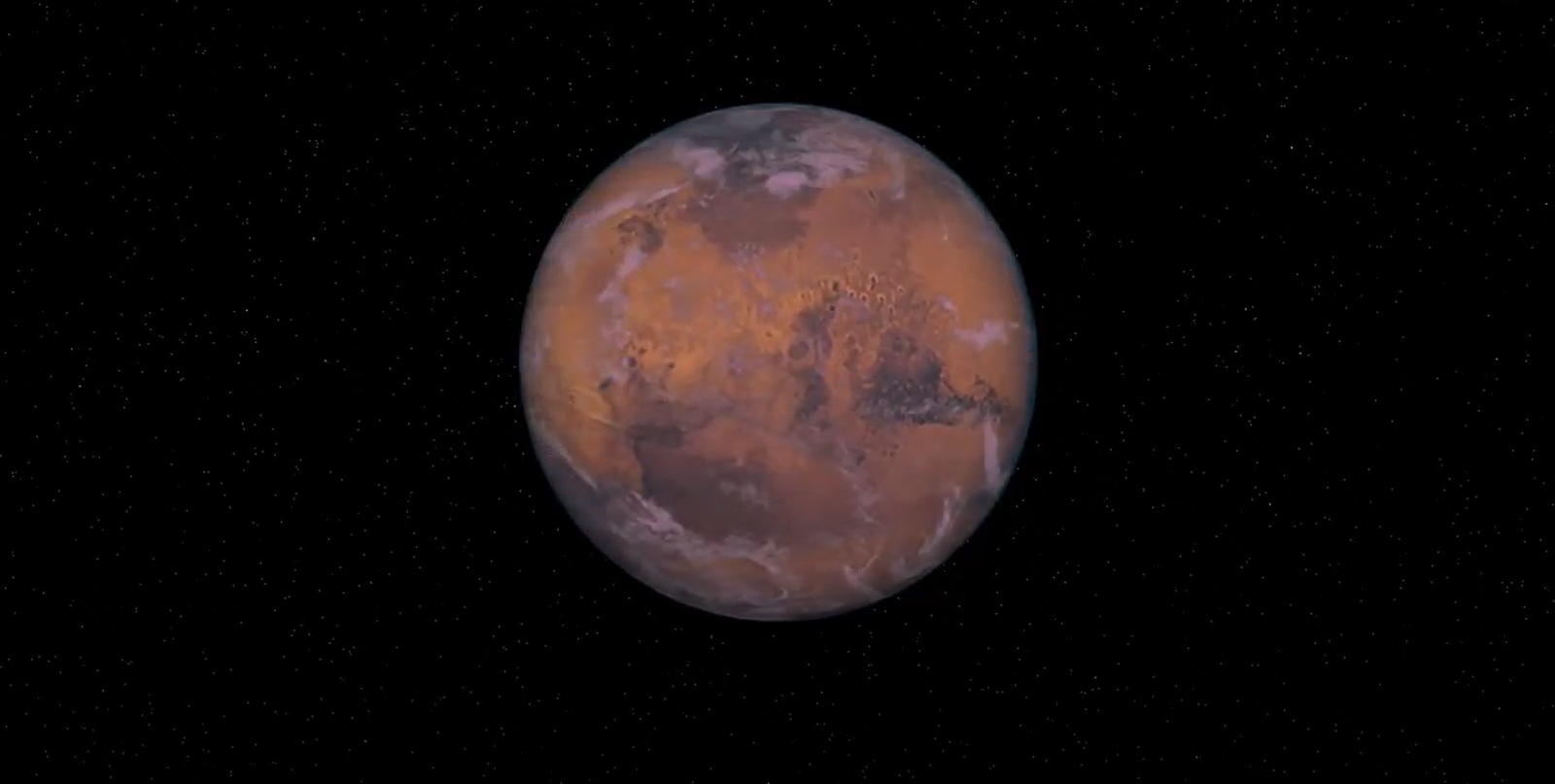
The following is an animation of the red planet, Mars, with Earth-like clouds in its atmosphere. The global mapping was taken from Viking’s imagery and the clouds were adjusted from an image of Earth’s clouds by NASA.
Rediscovered Astronomy releases animations of the planets in our solar system.
Well, we are meeting our goal of releasing the animations of the planets in our solar system three months ahead of schedule.
The animations of the main 8 planets have been uploaded. We will upload animations of smaller bodies and dwarf planets later. The animations were created in collaboration with J.J. Del Mar.
For use and license please see each planet page. You can visit the animations main page here:
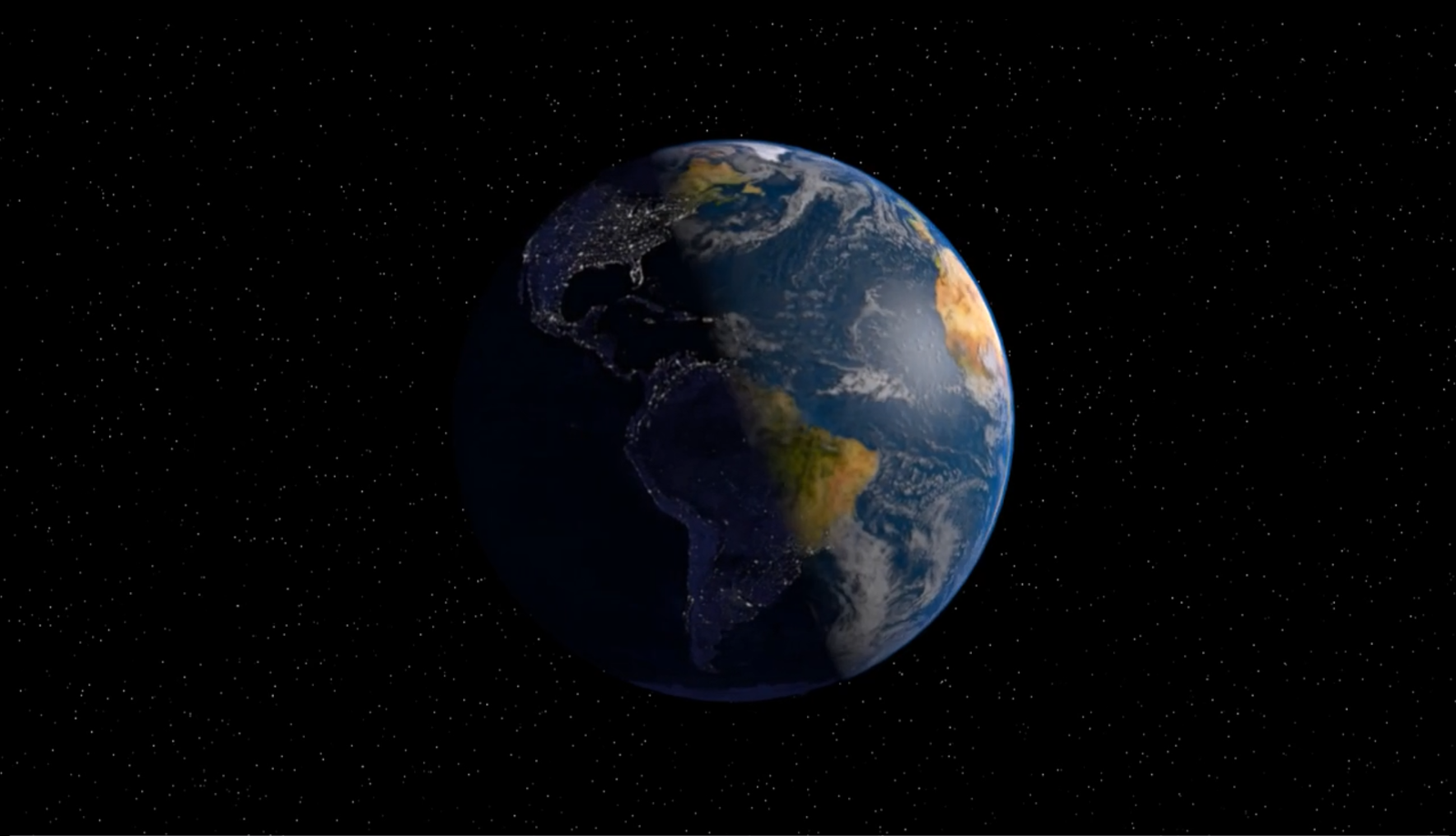
A travel around Earth as it would be seen from a space probe.
Rediscovered Astronomy will publish Solar System animations and space general info this coming 2016 as part of our effort to renew our content for our audience.
Enjoy this awesome CGI display of Mars – We will be posting animations for all the planets in our solar system.
The following animation was rendered using real NASA photos. It displays a 180° turn of the red planet. It also features realistic topography and atmosphere.
Animation by JJ Del Mar
Rediscovered Astronomy will publish Solar System animations and space general info this coming 2016 as part of our effort to renew our content for our audience.
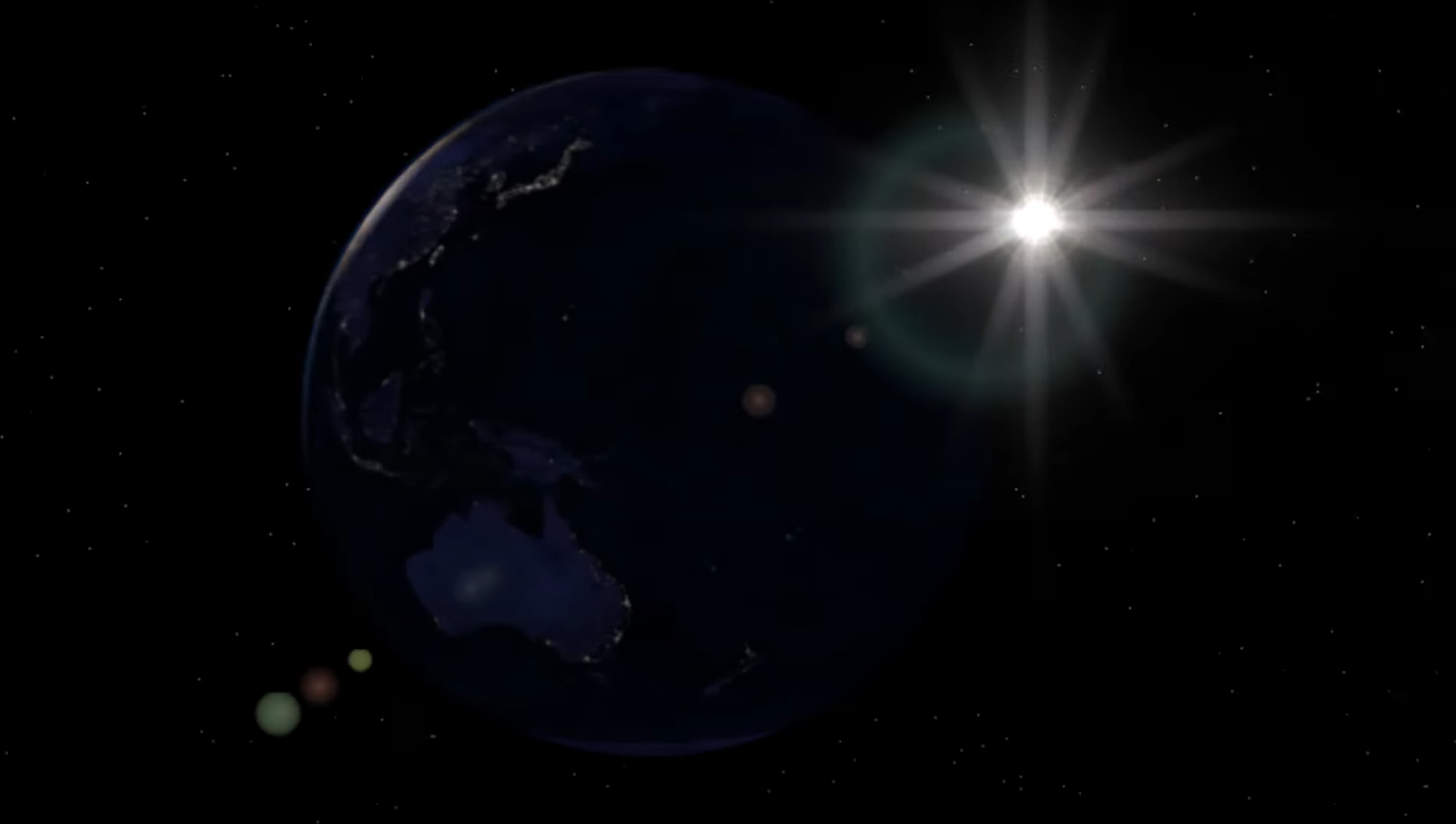
Earth rotation animation was created by J.J. Del Mar for Rediscovered Astronomy. Enjoy this awesome CGI display of Earth’s rotation. We will be posting animations for all the planets in our solar system.
Earth Rotation Animation by J.J. Del Mar | Rediscovered Astronomy May 2015
Instead of using other animator’s method, I researched and studied to create my own method which has greatly improved the result. I will use my own method with enhanced textures to create more realistic animations. Rediscovered Astronomy will publish these animations of the Solar System in 2016.
– J.J. Del Mar
You can find the animations of all the planets in our solar systems right here on our website.
Celestia is a free open-platform astronomy program. We have been receiving questions about how to add extra planets (models) to Celestia. We listen to what our website visitors ask us, so here’s a detailed tutorial of how to add planets, comets, asteroids, etc., to Celestia. The following tutorial works for objects in our own Solar System. [The guide for adding objects to other star systems is similar and we will post it later at our visitors’ request.]
Note: For everything you do on the PC or device, you need to have administrator rights; it needs to be your own computer or you need to have permission from the computer owner to make changes to the PC. This guide is written for computers running Windows, but the process is almost the same for Apple computers.
Software – ProgramsYou Need
Software that needs to be installed on your PC or laptop:
Celestia (free astronomy program, click to downloadfrom Celestia’s website)
Microsoft Word [or any other word processor that opens .docx files]
WordPad [or any other program to open Rich Text Format (.rtf) texts]
Tutorial
Step 1
This is tutorial for Windows, but you can try it on your Mac or Linux.
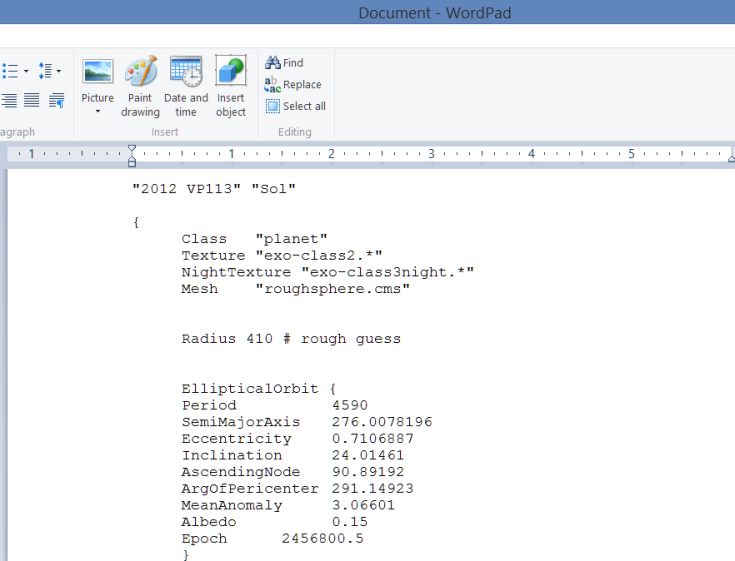
Download and open the file containing the code.
Here is the link to the document, it is a link to GoogleDrive.
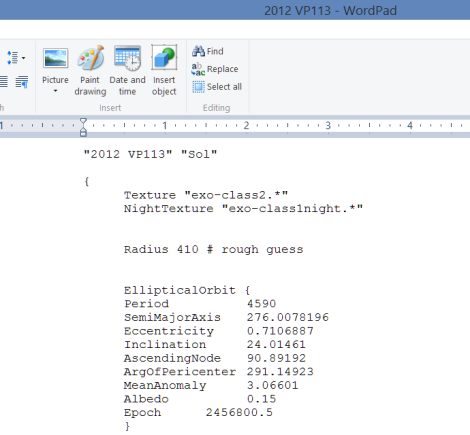
Code by Rediscovered Astronomy with information from the Minor Planet Center
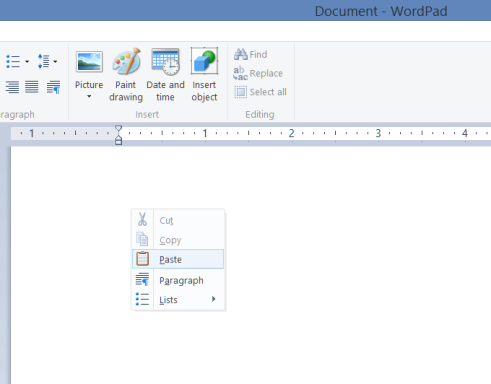
You must paste the code directly to WordPad or to the program you use to open Rich Text Format (.rtf) texts.
Step 2
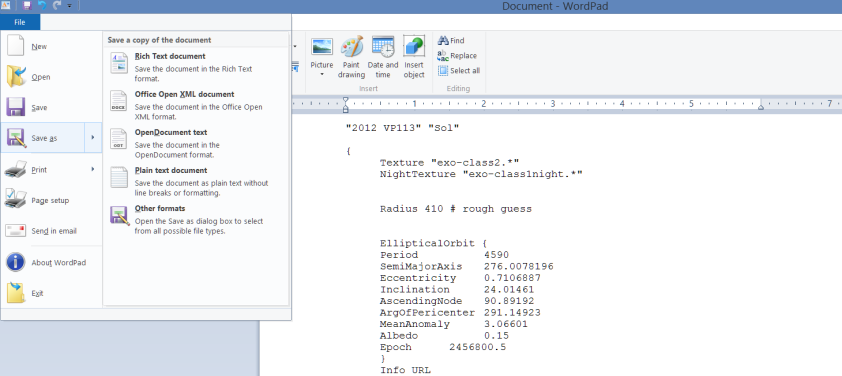
Click File Save As on WordPad.
Step 3
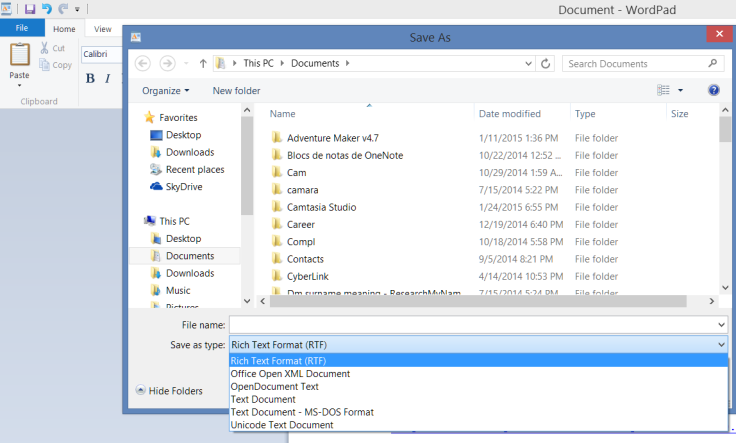
Save as type: Make sure you choose Rich Text Format (RTF) from the drop down menu.
Step 4
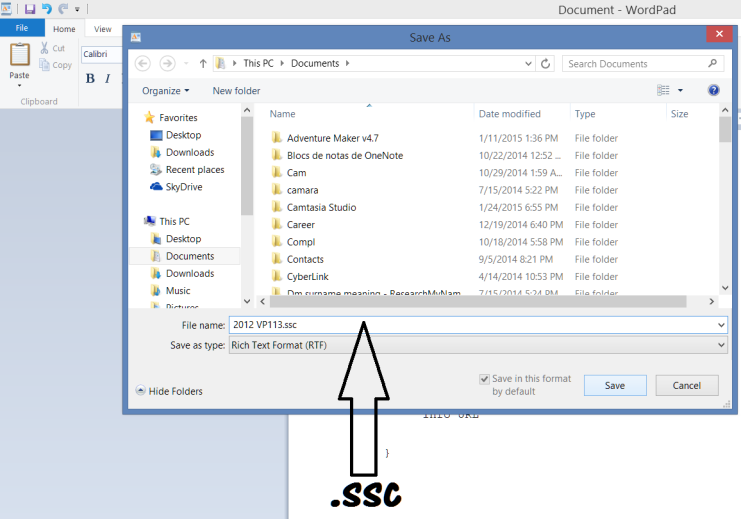
File name: Save the file with the name 2012 VP113.ssc – The file extension again must be .ssc, otherwise Celestia won’t load the add-on planet / object.
Step 5
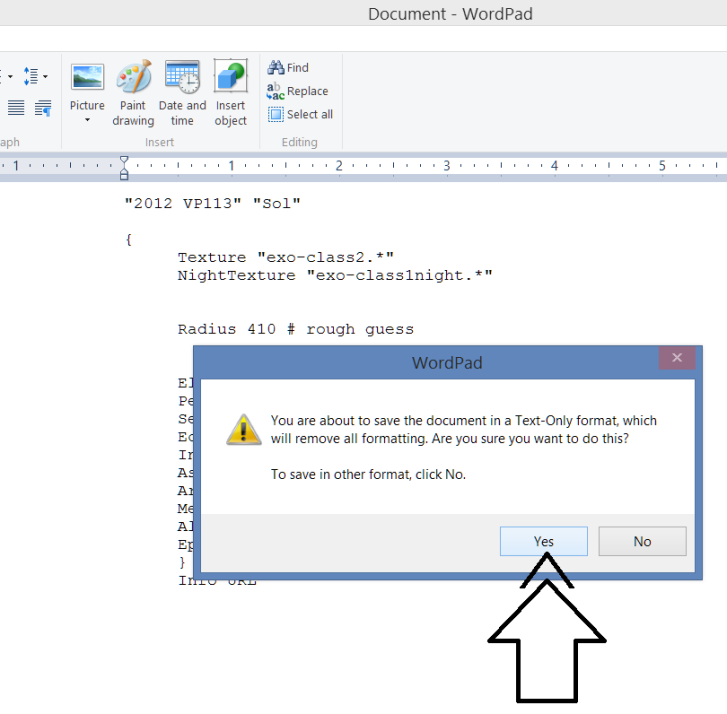
Text-Only format: You may get the message … remove all formatting … click yes.
Step 6
Celestia File: Your Celestia model / file should be ready to add to Celestia. Exit WordPad [click file exit].
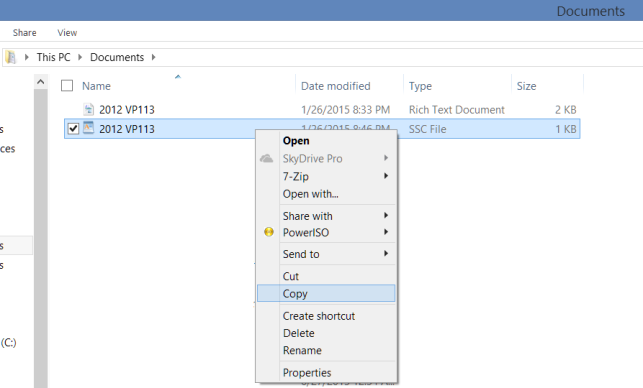
Go to your file explorer and find the folder where you saved your file [2012 VP113.ssc from step 4]. Right click copy.
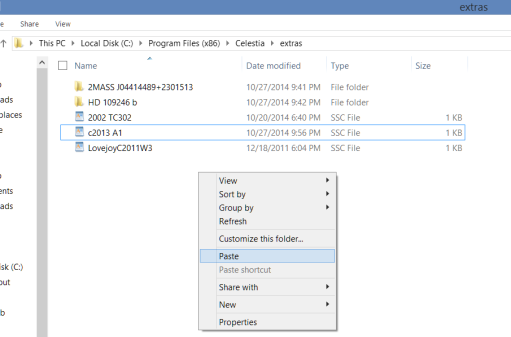
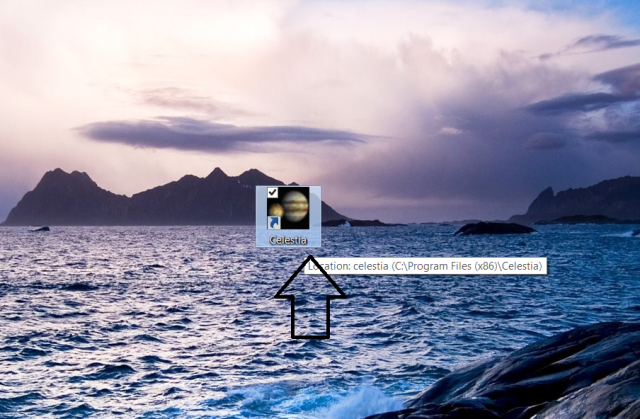
Find your Celestia – Extras folder. Here is where all Celestia add-ons should be pasted. Celestia is usually located within the Program Files (x86) folder [or Program Files]. This is the default path, C:\Program Files (x86)\Celestia\extras
Right click and paste the file named 2012 VP113.ssc to the extras folder.
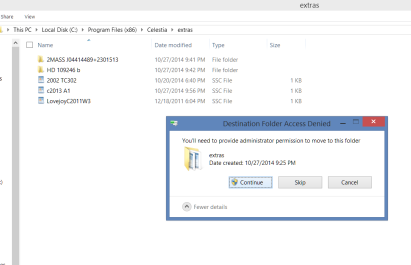
As noted before, make sure you are using the PC / laptop as administrator. Click continue.
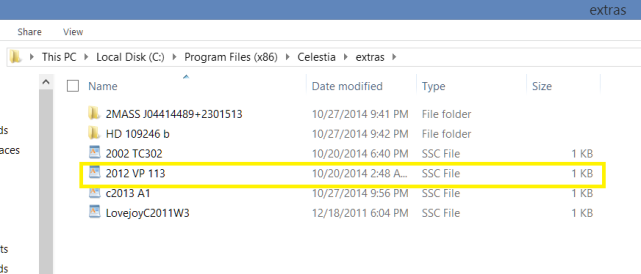
Look that your file was copied correctly to the extras folder and with the .ssc extension [type].
That’s it!
Celestia will load the add-on you’ve just created the next time you run the program.
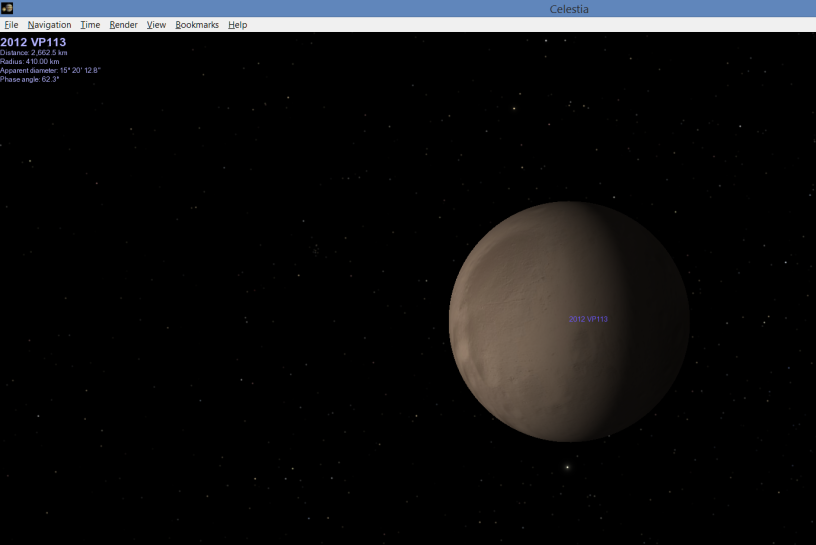
Here’s how it should look.
Open Celestia
Wait for Celestia to load then hit enter on your keyboard.
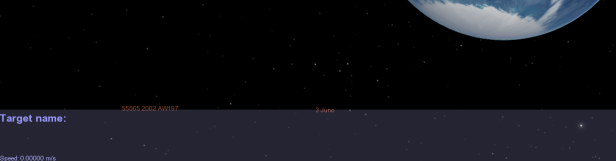
The dialogue box Target name opens,
Type in the name of the object 2012 VP113 and hit enter again.
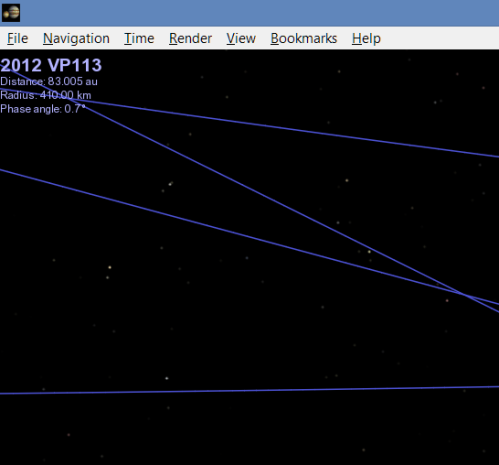
The top left screen of Celestia should display the model name 2012 VP113.
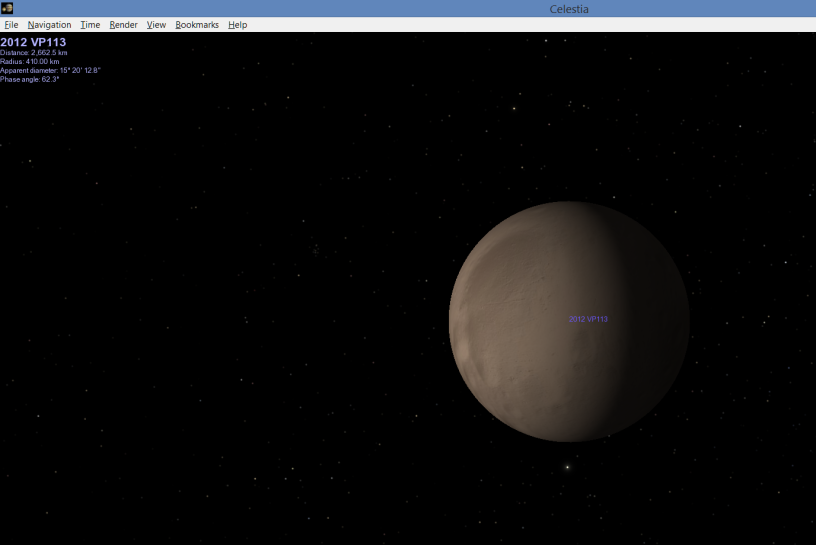
Press G on your keyboard for Celestia to go to your destination, 2012 VP113.
You should be there!
Written by J.J. Del Mar
Celestiais a free open-platform astronomy program.
Comet ISON is racing towards the inner solar system. This is the comet astronomers had said back in 2012 it would become “brighter than the moon”. October 1, 2013 is when ISON begins its close approach to Mars and from there to Earth on its first approach to our planet.
We will see how the tail of the comet behaves if ISON survives its approach to SOL around November 27, 2013.
For now, Mars and ISON appear towards the East early morning, that is, provided you have enough zooming power to get a glance of it.
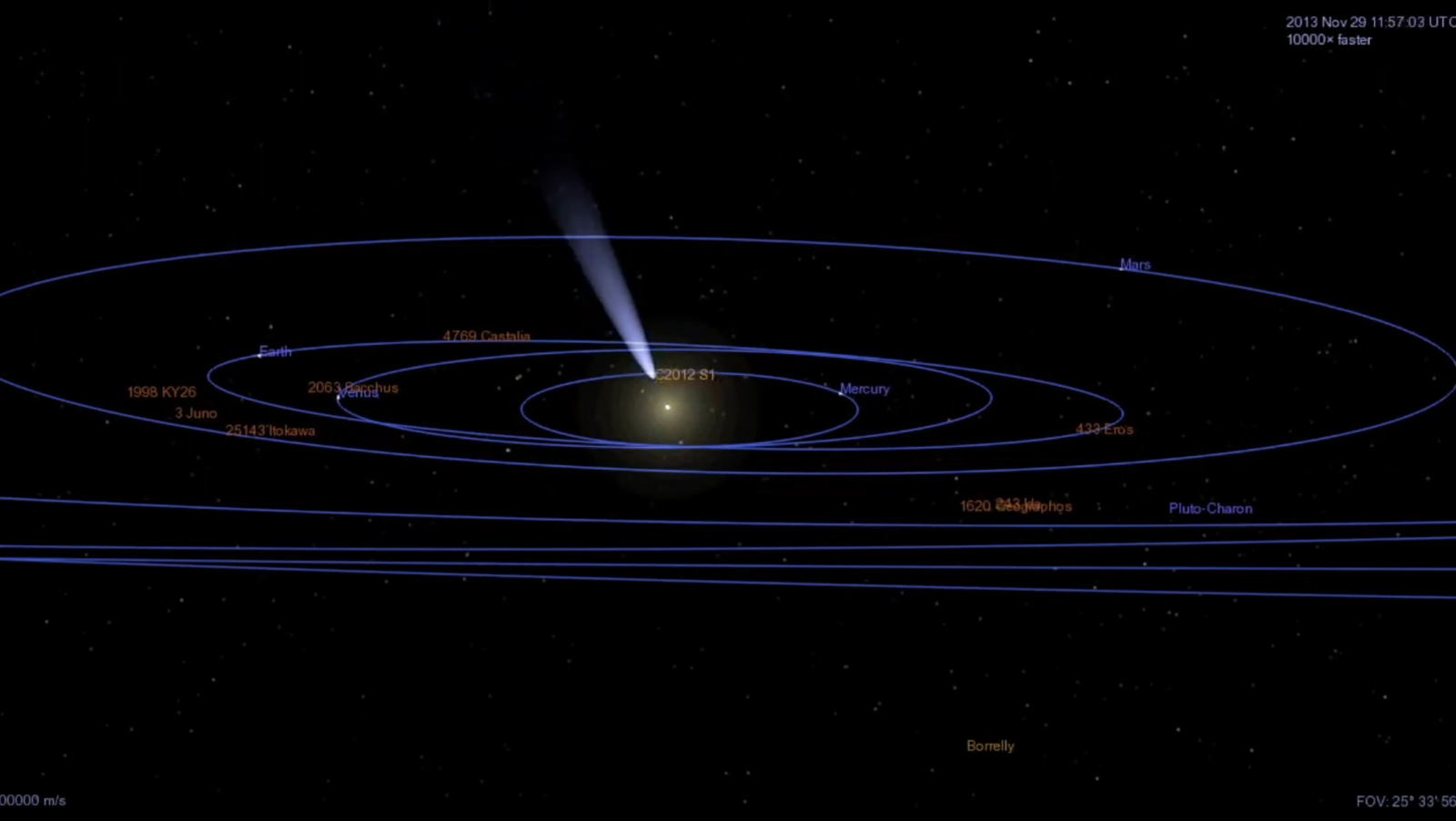
The following Celestia animation shows ISON’s approach to Mars. We are looking at both bodies at a distance of ~.40 AU.
Comet c/2012 S1 Approach to Mars / Celestia Animation by Rediscovered Astronomy
Comet ISON will approach the inner solar system late 2013. In early October 2013, ISON will be closer to Mars than it will ever be to Earth (?). Around November 27 of 2013, c2012 S1 will be orbiting around the sun and it will start its approach to Earth. Provided it is not altered by Sol, comet ISON will create a spectacular view. Some astronomers claim it will be as bright as the moon.